If you are comparing dont splash Upgrades, start at the yellow UPGRADES stall in the lobby. These are permanent Coin purchases: Throwing Range extends where Pebbles and Bottles can land, Pebble Skipping gives each Pebble more splash contacts, and Rescue Speed shortens the time needed to pull up a downed teammate. Choose the line that fixes your most common failure instead of treating the three upgrades as interchangeable; if you still need to choose a run loadout, return to the equipment guide.
Upgrade effects and first prices
The evidence supports the Level 0 state, the Level 1 preview, and the first listed price. All three upgrades can reach 3/3 and must be purchased in order. The source material does not provide a reliable Level 2 or Level 3 Coin price or effect, so those cells are intentionally not filled in.
| Upgrade | Level 0 | Level 1 preview | First price | Best fit |
|---|---|---|---|---|
| Throwing Range | NORMAL range | +10% distance for Pebbles and Bottles | 150 Coins | Solo distractions from safer platforms |
| Pebble Skipping | 3 splashes per Pebble | 4 splashes per Pebble | 150 Coins | More attention pulls from one Pebble |
| Rescue Speed | 3.0 seconds to pull a teammate up | 2.8-second preview | 150 Coins | Co-op rescues under pressure |
Throwing Range changes distance, not splash size. Pebble Skipping changes the number of splashes from one Pebble, not how many Pebbles you carry. Rescue Speed changes the pull duration, not the range of Rescue Equipment or a rescue rope.
Review permanent equipment upgrades in the lobby
This lobby segment supports the permanent upgrade choices described here, including Throwing Range and Rescue Speed.
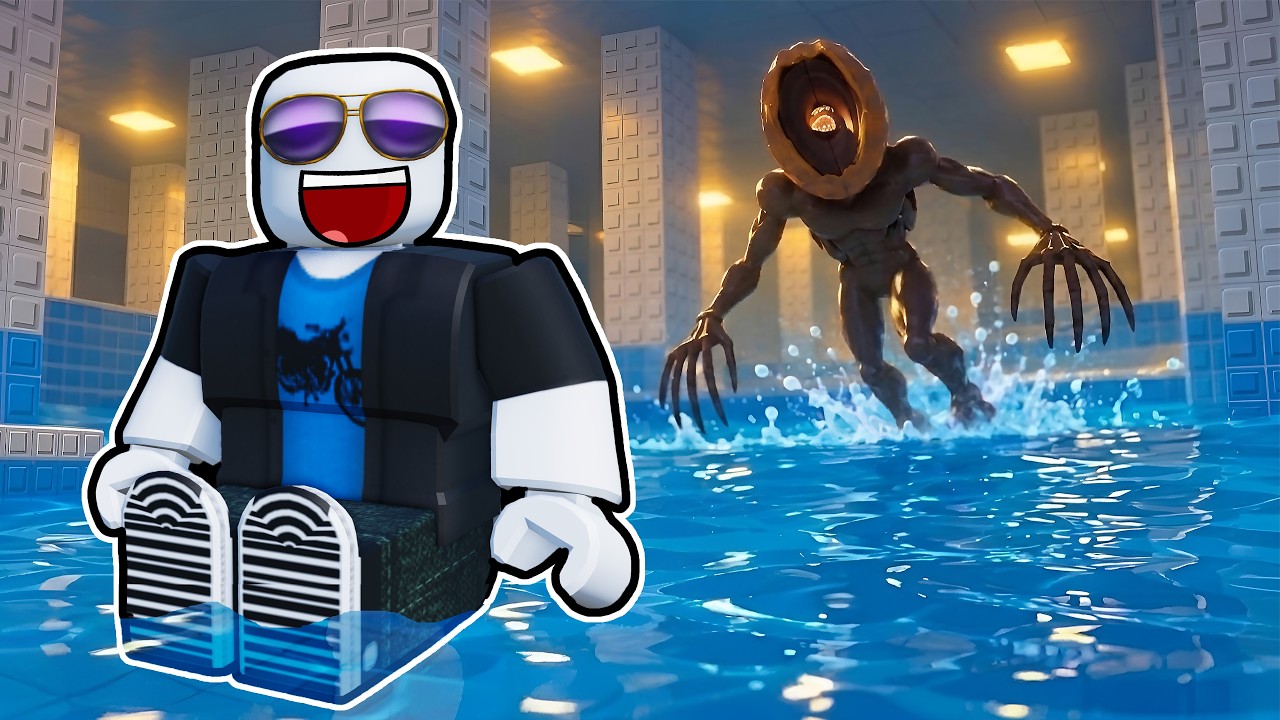
How to buy an upgrade
- Complete a Course. Coins are awarded on the results screen after a run.
- Return to the lobby. Do not look for the permanent upgrade menu inside a room.
- Enter the yellow
UPGRADESarea. Review the next level's preview and price. - Buy levels in order. The upgrade lines cap at 3/3; skipping directly to an undocumented intermediate level is not supported by the available evidence.
- Use the effect on the next run. Throw Pebbles or Bottles from the safer side of a route, use extra Pebble splashes to redirect
Monsters, or recover a teammate faster when playing co-op.
Coins can also pay for Pebble refills and other equipment, so do not spend every Coin on a permanent level if your next run lacks the tool needed to create a distraction. The right purchase depends on whether your bottleneck is reach, repeated noise, or teammate recovery.
Player calculator
Coin shortfall calculator
Calculate the total Coin cost and how many Coins you still need.
Estimated result
- Required total
- 450
- Missing
- 450
Required total = Coin price each × purchases still needed. Missing = max(required total − Coins owned, 0).
Assumptions and sources
Assumptions
- Each purchase has the same price entered in Coin price each.
- Missing Coins cannot be negative; surplus Coins produce a zero shortfall.
Sources
- https://dontsplash-roblox.wiki/calculator/ · reviewed 2026-10-29
- https://dontsplash-roblox.wiki/guides/equipment-and-upgrades/ · reviewed 2026-10-29
Use the calculator when you know the price shown in your lobby. It multiplies the price per purchase by the number of purchases remaining, then subtracts your current Coins without returning a negative shortfall. For example, three documented 150-Coin purchases require 450 Coins in total; with 100 Coins already owned, the shortfall is 350. That example is arithmetic, not a claim that all later upgrade levels cost 150 Coins.
Which upgrade should you choose?
- Choose
Throwing Rangewhen a Pebble or Bottle lands short of the useful distraction point. The extra distance can let you redirect a monster without stepping onto a risky water-side position. - Choose
Pebble Skippingwhen your throws reach the right area but one splash is not enough to hold attention. It makes one Pebble useful for more contacts, while leaving your inventory unchanged. - Choose
Rescue Speedwhen teammate recovery is the repeated cause of failed runs. The benefit is mainly cooperative; it does not improve solo traversal.
Wiki priority labels are recommendations, not a forced purchase order. A solo player will usually get a more direct route benefit from one of the throwing upgrades, while a regular co-op group can value Rescue Speed earlier. If you have a Max pass, keep it separate from Coin progression: the pass can set a named upgrade to 3/3, but it is a Robux purchase rather than a normal level price.
FAQ
Do upgrades stay active after I buy them?
The supplied upgrade records describe them as permanent levels purchased in the lobby. They are separate from consumable equipment and refills.
Are Level 2 and Level 3 prices known?
Not reliably in the supplied evidence. Only the 150-Coin Level 1 price and the Level 1 previews are documented for these three lines, so do not assume a repeated price or linear improvement.
Does Throwing Range increase splash size?
No. It increases the throwing distance of Pebbles and Bottles. Splash size is not the documented effect of this upgrade.