If you are searching for a dont splash the water roblox guide, the key is to choose a safe landing before you jump. Follow the black arrows, face the next platform, and adjust your jump to its distance and movement. A Splash can also make noise that alerts a nearby Monster, so avoiding the water protects both your route and your position.
Read the route before jumping
Start from a stable platform and scan for the next landing point. Black arrows can appear on floors, walls, pillars, or dry corridors; use them to confirm the route before committing to a jump. Do not rely on a fixed jump rhythm, because Narrow Ledges, Wide Platforms, Moving Platforms, and special platforms need different timing.
| Platform or section | Safer approach | Main risk |
|---|---|---|
| Narrow Ledge | Use a short jump and line up early | Low landing tolerance |
| Wide Platform | Face it and use a longer jump when distance requires | Overshooting the landing |
| Moving Platform | Watch its position and jump when the gap is manageable | Jumping on a fixed rhythm |
| Sinking Platform | Land, turn, and continue immediately | Staying until it sinks |
| Rotating Bridge | Wait for the long platform to face a usable direction | Jumping before alignment |
The jump sound is not a reliable timing signal by itself. Use your character's position, the gap, and the platform's current direction instead.
Keep Splash from becoming a Monster alert
Water is more than a fail hazard. Falling in creates a Splash, and the sound may give a Monster a reason to pursue you. If you land in the water, do not stop to recover in place: move toward the nearest safe platform and leave the noisy area. When a Monster is already close, staying quiet and taking the next safe route is safer than forcing a long jump.
In multiplayer, teammates can help watch the route and coordinate a rescue, but the exact rescue limits depend on the room and equipment. Do not treat another player as a guaranteed recovery if the next platform is already reachable.
Handle sinking and rotating sections
Sinking Platforms
Sinking Platforms descend while you stand on them. Use one as a temporary landing, not a permanent safe floor. After landing, immediately identify the next platform and continue. Dark-edged platforms can provide a brief stopping point in this section, but they do not remove the need to move on.
Rotating Bridge
At the ROTATING BRIDGE area, stop on a fixed platform and observe the long rotating platform. Wait until its angle gives you a clear landing, then jump onto it and ride or cross it toward the next fixed platform. Blindly chaining jumps is the common mistake here: the bridge can rotate away while you are in the air.
Confirm checkpoints and finish the course
When a route reaches a gray square checkpoint pad, continue only after the screen displays Progress saved. This confirmation matters because not every visible platform is a checkpoint. A saved checkpoint normally reduces the distance you must repeat after a failure, while the full list of course exits and checkpoint locations is not documented here for every course.
Time jumps and platform sections in the course
These moments show the jump lengths, sinking and rotating platform sections, and checkpoint progress covered in this gameplay route.
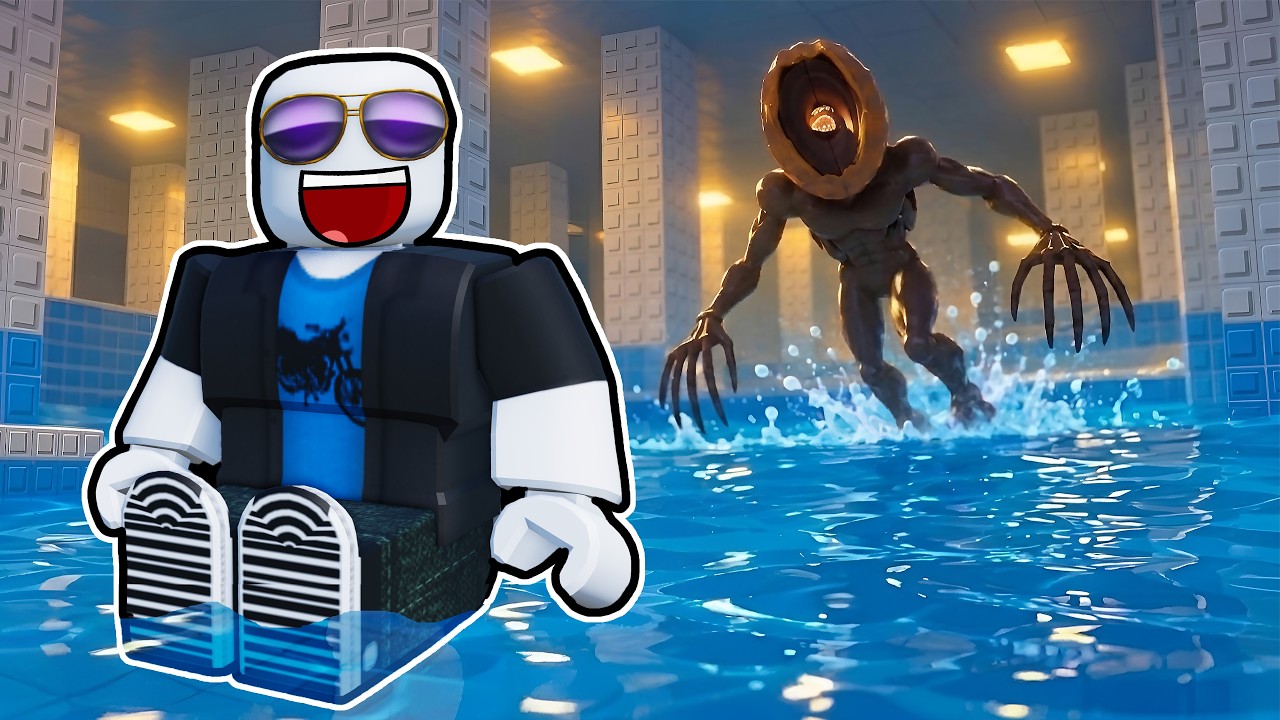
After the checkpoint, keep following the arrows and platform route until you reach the Exit. Completing a course awards Coins, which can be used for progression systems such as Pebbles, Rescue Equipment, Throwing Range, Pebble Skipping, and Rescue Speed. The available upgrade costs and the best spending order are not established by the gameplay evidence, so choose upgrades from the in-game values shown to you; compare the documented choices in the permanent upgrades guide before spending.
Player calculator
Coin shortfall calculator
Calculate the total Coin cost and how many Coins you still need.
Estimated result
- Required total
- 450
- Missing
- 450
Required total = Coin price each × purchases still needed. Missing = max(required total − Coins owned, 0).
Assumptions and sources
Assumptions
- Each purchase has the same price entered in Coin price each.
- Missing Coins cannot be negative; surplus Coins produce a zero shortfall.
Sources
- https://dontsplash-roblox.wiki/calculator/ · reviewed 2026-10-29
- https://dontsplash-roblox.wiki/guides/equipment-and-upgrades/ · reviewed 2026-10-29
Quick recovery checklist
Quick recovery checklist
Stop and identify the next safe landing before jumping.
Use short jumps for narrow ledges and longer jumps only when the gap requires them.
Watch moving platforms instead of repeating a memorized rhythm.
Leave Sinking Platforms quickly after landing.
Wait for Rotating Bridge alignment before jumping.
If you splash, move away from the sound and toward a safe platform.
Look for `Progress saved` before counting a checkpoint as active.