If you are looking for the dont splash game roblox experience, your first goal is simple: complete one controlled Easy Run without treating the water like ordinary ground. Create a small party, move from platform to platform, use a Pebble to pull the blind creature away, then finish the two-valve exit sequence in Poolrooms. The current Roblox listing is DONT SPLASH. For the movement rules behind this opening route, see the core gameplay guide.
Start your first run
Use this opening route before worrying about upgrades or harder difficulties; the modes guide explains when to move beyond Easy:
- Create a Party with one player. The Party setup supports 1–4 players. A solo room removes teammate collision and gives you time to learn the sound rule.
- Choose Easy. Easy provides more platforms and shorter levels, which makes it the best learning route. Its base Coins reward is lower, so choose it for practice rather than maximum earnings.
- Watch the next landing before jumping. Follow the yellow platforms and black arrows. Do not chain jumps when you cannot see whether the next platform is stable.
- Treat water as a hazard, not a shortcut. Touching the water creates a splash and slows movement. Green or sinking platforms are temporary positions; keep moving toward the next safe platform.
- Use checkpoints when they appear. Some darker-edged platforms save progress between rooms, reducing the amount of route you repeat after a failed attempt.
The current route includes nine consecutive rooms. Older videos may show only the early rooms, so do not assume that a short older route represents the current full run.
The sound rule controls every jump
The creature cannot see your avatar, but it can hear important noises. Your position becomes more dangerous when you touch water, throw an item, or activate a loud machine. Dry platforms hide you from the main tracking rule; they do not remove the need to plan your next move.
Use Pebbles to cross the DONT SPLASH rooms
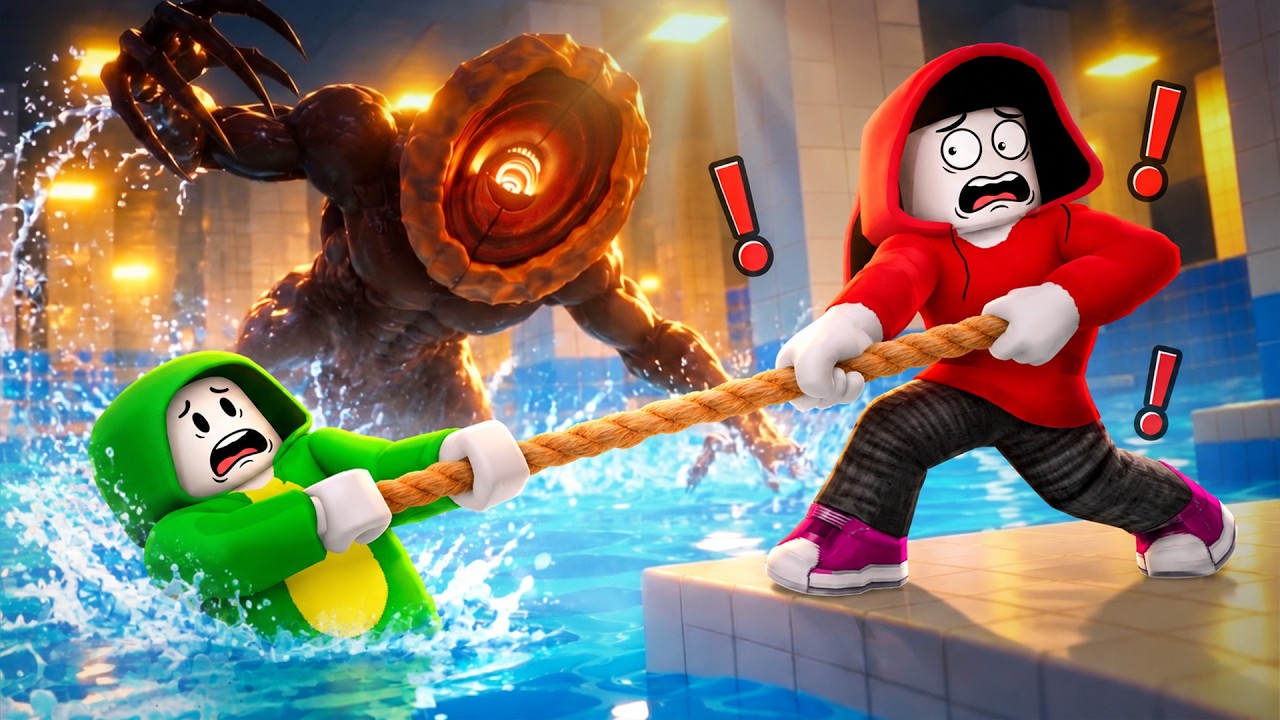
This walkthrough demonstrates how the blind creature follows splashes, then shows Pebble distractions while progressing through later rooms.
Use this decision rule whenever the creature is near your route:
- Next landing is safe and the creature is far away: cross normally and preserve your lure.
- The creature is blocking the crossing: throw a Pebble to a side or rear position, away from your intended landing, then move while it investigates the splash.
- You need a louder or longer distraction: Bottles make a louder splash and can draw a more distant target, but they require Coins.
- You are carrying a Flare: a successful hit can stun the creature for about five seconds. The same creature cannot be stunned again for about eight seconds, so a Flare is a timing tool, not a permanent solution.
Never throw a Pebble onto the platform you plan to use next. A successful lure that creates a new splash on your own route can make the crossing harder rather than safer.
Use equipment as a route decision
| Item or system | What you do | Best beginner use |
|---|---|---|
| Pebbles | Pick them up on the route or use available stock, then throw one away from your next landing. | Your first distraction because it creates a small splash without requiring a shop purchase. |
| Bottles | Buy and equip them with Coins, then throw for a louder splash. | Use when a Pebble does not pull a distant creature far enough away. |
| Flare | Hit the creature to stun it temporarily. | Create a short crossing window when a lure alone is not enough. |
| Rescue Rope | Use it to pull a downed teammate back to a platform when the distance allows. | A co-op tool, not a replacement for learning the solo route. |
| Checkpoints | Reach the checkpoint platform and continue. | Reduce the distance you repeat after a mistake. |
Pebbles are the safest first item to learn because their purpose is clear: make noise somewhere you do not intend to stand. Save paid equipment until you know whether your problem is distance, timing, or a blocked crossing.
Handle the later rooms differently
The early rooms teach stable platform movement, but the later sequence changes the timing. Moving Platforms, Drifting Platforms, Memory Bridge, and Crushing Walls should not be approached with the same rhythm as a stationary jump section.
- Moving Platforms: watch the platform cycle and commit only when the next position gives you a clear landing.
- Drifting Platforms: account for movement while you wait; the platform you see now may not be where you land.
- Memory Bridge: observe the safe pattern before rushing across. A failed guess is usually worse than one extra moment of setup.
- Crushing Walls: move through the opening when it is available and keep a dry fallback in mind.
The exact arrangement can change with updates. Use the current room geometry and arrows in your run instead of memorizing an old video frame by frame.
Open both Poolrooms valves
The final objective is not complete when you reach the exit area. In Poolrooms, find the red Maintenance valve wheels and hold the interaction until each one finishes. The order is less important than checking the progress message:
- Locate and open the first valve.
- Confirm the game shows
Valve opened (1/2). - Reposition while watching the water and the creature.
- Locate and open the second valve.
- Confirm that the objective has advanced beyond
1/2before leaving the area. - Follow the yellow blocks upward as the water rises, then continue through the rotating section and corridor.
- Keep moving until the game displays
YOU ESCAPED.
If you leave after only one valve, the locked exit is not a bug: the required machine objective is incomplete. The water-rise section also changes the value of dry positioning, so keep your next yellow block visible before committing to a jump.
Spend Coins after the result screen
Finish the run and read every line on the results screen. Easy pays a reduced base reward, while the first-escape reward is listed as a separate result item. Do not assume a single number from an older guide is your current total.
When you have Coins, choose the purchase that fixes your current failure:
- Throwing Range helps if your Pebbles or Bottles cannot reach a useful distraction point.
- Pebble Skipping helps one Pebble make more water contacts, expanding its distraction area; it does not make water safe to touch.
- Bottles provide a louder lure when distance is the problem.
- Rescue Rope is more relevant in co-op, when recovering a downed teammate is worth the purchase.
- Rescue Speed matters after you begin relying on team rescues.
Choose Pebble upgrades with your DONT SPLASH Coins
This guide segment supports the upgrade choices in this section by showing Pebble equipment and Coin upgrades for Throwing Range and Pebble Skipping.

Player calculator
Coin shortfall calculator
Calculate the total Coin cost and how many Coins you still need.
Estimated result
- Required total
- 450
- Missing
- 450
Required total = Coin price each × purchases still needed. Missing = max(required total − Coins owned, 0).
Assumptions and sources
Assumptions
- Each purchase has the same price entered in Coin price each.
- Missing Coins cannot be negative; surplus Coins produce a zero shortfall.
Sources
- https://dontsplash-roblox.wiki/calculator/ · reviewed 2026-10-29
- https://dontsplash-roblox.wiki/guides/equipment-and-upgrades/ · reviewed 2026-10-29
Use the Coin shortfall calculator when you know an in-game price and want to see how many Coins remain. Enter the current price and balance rather than relying on a fixed example, because shop values and unlock requirements can change.
Common first-run mistakes
- Jumping before checking the landing: pause long enough to identify the next platform and its movement.
- Using a lure on your own route: throw to the side or behind you, never onto the next platform you need.
- Standing on a sinking platform: keep moving toward the checkpoint or next stable platform.
- Stopping at one valve:
1/2means half finished, not escaped. - Assuming old videos show all rooms: the current local record covers nine rooms, including later hazards absent from early walkthroughs.
- Spending before learning the failure: complete a run first, then buy range, skipping, or louder lures based on the problem you actually had.
- Trusting unconfirmed Codes lists: the supplied evidence does not verify an active code, so do not treat social posts as guaranteed rewards.
FAQ
Is Easy the best difficulty for a first run?
Yes. Easy is documented as having more platforms and shorter levels, making it a better place to learn movement and the splash rule. The tradeoff is a lower base Coin reward, including a half-rate Easy reward in the supplied native record.
What is the safest way to pass the creature?
Stay on a dry platform, throw a Pebble to a side or rear location, wait for the creature to commit to that sound, and cross quickly. If the crossing is still blocked, a Bottle or a well-timed Flare can create a larger or shorter opening.
Do Pebbles make me safe from the creature?
No. Pebbles redirect attention by making noise. They do not prevent your own splash, guarantee a path, or replace checking the next landing.
Is DONT SPLASH on Roblox?
Yes. The supplied Roblox record identifies the game page as DONT SPLASH on Roblox. Use that listing for the current launch link rather than an unverified third-party URL.
Are there confirmed DONT SPLASH Roblox codes?
No active code is confirmed by the supplied evidence for this guide. Treat code claims as unverified until the game itself accepts them or an authoritative current source documents them.
SourcesReviewed October 29, 2026
https://www.roblox.com/games/119958473240233/DONT-SPLASH
https://dontsplash-roblox.wiki/beginner-guide
https://dontsplash-roblox.wiki/players/basic-traversal
https://dontsplash-roblox.wiki/players/pebbles
https://dontsplash-roblox.wiki/players/the-creature
https://dontsplash-roblox.wiki/players/locked-exit
The guide combines the supplied Roblox listing and timestamped gameplay references. The wiki supports the dry-platform, sound, lure, checkpoint, valve, and escape flow. Gameplay videos support route demonstrations but do not independently establish fixed prices, permanent room layouts, active codes, or all current difficulty unlock conditions. Recheck mutable values and room geometry in the live experience after updates.